Free Shipping on $30+

Cart
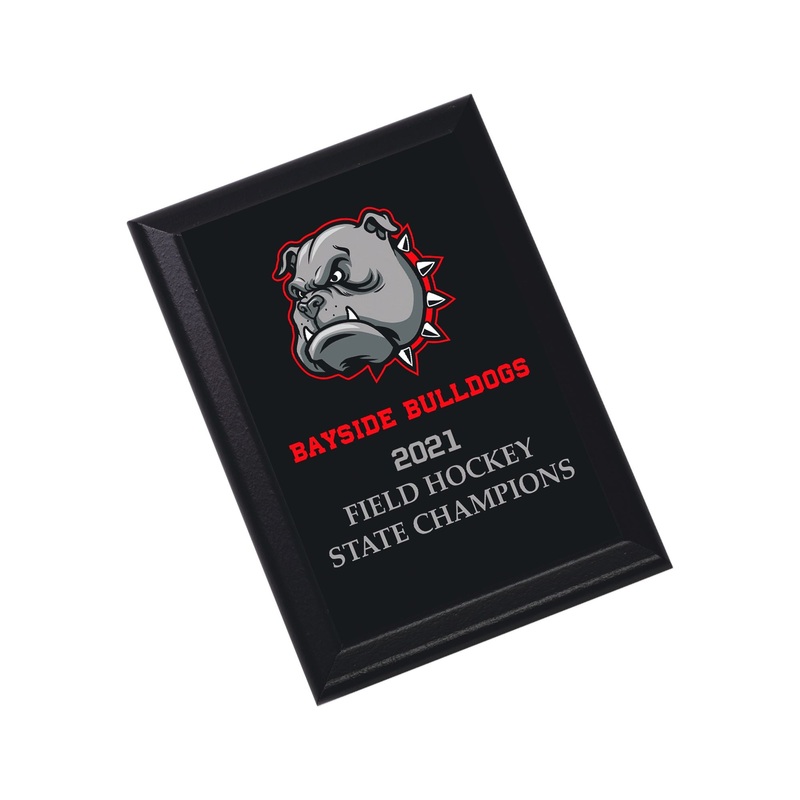
Recognition deserves attention create lasting memories of achievements with full color plaques available in a variety of sizes and shapes.
Dowload free sublimation template
Specification
- SIZE:5″ x 7″(127mm x 177.8mm)
- SUBSTRATE:MDF
- THICKNESS: 0.625″ / 15.875mm
- FINISH: Gloss
- COATING: White
- Keyholes for both portrait and landscape orientations
- Black Ogee Edge
Volume Pricing
- Pack of7 Blanks $4.29 / Blank
- Pack of 14 Blanks $4.14 / Blank
- Pack of28 Blanks $4.00 / Blank
Materials needed
- Sublimation Blank
- Sublimation Printer
- Heat Press
- Heat Tape
- Cleaning Cloth
- Blowout Paper
- Printed Transfer
- Printing RIP Software
- Heat Gloves
- Scissors
- All-Purpose Cleaning Fluid
Step-By-Step Guide
- Turn on your heat press. Set the temperature to 385F (temperatures based on prints made with small desktop sublimation printers). Strong pressure is recommended. (settings may vary based on equipment). Add a sheet of protection paper (blowout paper) on the bottom plate of the heat press.
- Remove film. Make sure to gently scrape perpendicular to where the sides meet the surface once you peel the film to get remove any excess foil or material. Clean the product line up and center the plaque to the transfer, paying attention to keyhole placement. If the plaque has an ogee edge, be sure to look closely at the plaque where it meets the transfer to make sure they align.
- Flip the plaque and transfer over, and crease the edges to make sure the bleed lines up. Tape edges of the transfer to the back of the product. With bare side facing up, press between two sheets of blowout paper at 385 F for 1:05-1:10. Time may vary based on equipment.
- Remove transfer, allow to cool, and hang to display.
Attention: the item will be hot, so wear protective heat gloves. Increase time if pressing more than one clock at a time.
|
Product |
Temperature |
Time (min) |
|
Plaque |
385F |
1:05-1:10 |
*The stated sublimation times are only valid for prints made on small desktop sublimation printers.
INSTRUCTIONS
You may also like
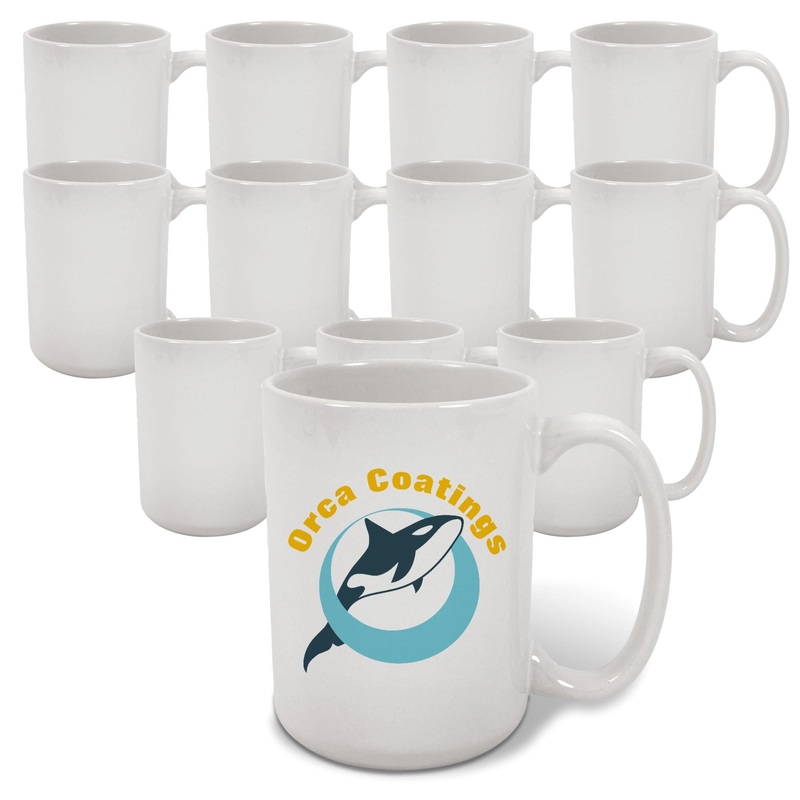
15oz ORCA AAA Ceramic White Sublimation Mug Blanks – 72 Pack
Original price was: $356.40.$150.00Current price is: $150.00.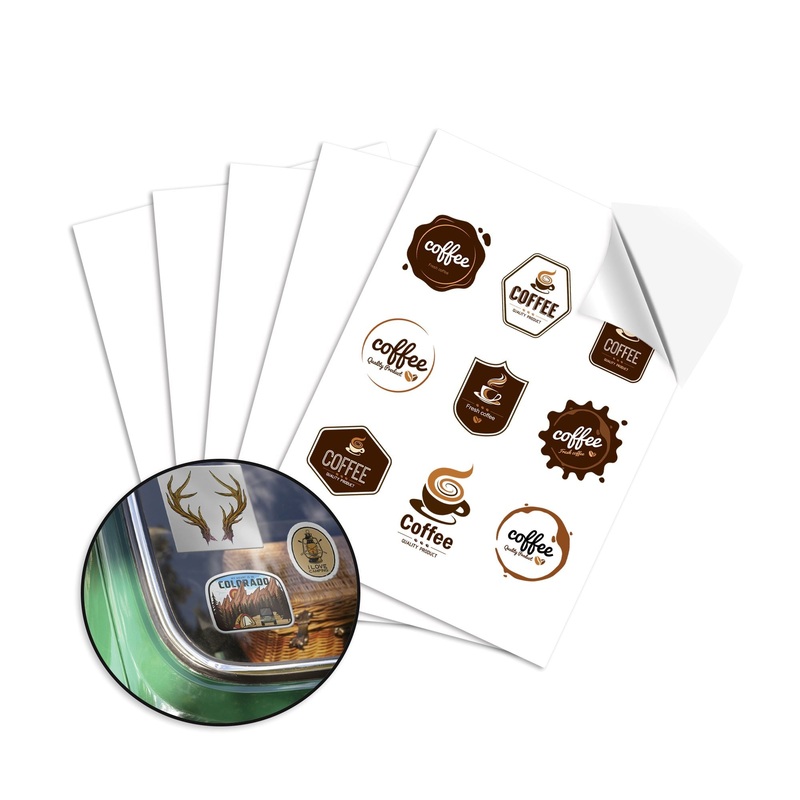
Uninet iColor White Window Cling Sheets – 8.5″ x 11″ – 25 Pack
Original price was: $47.50.$28.50Current price is: $28.50.