Free Shipping on $30+

Cart
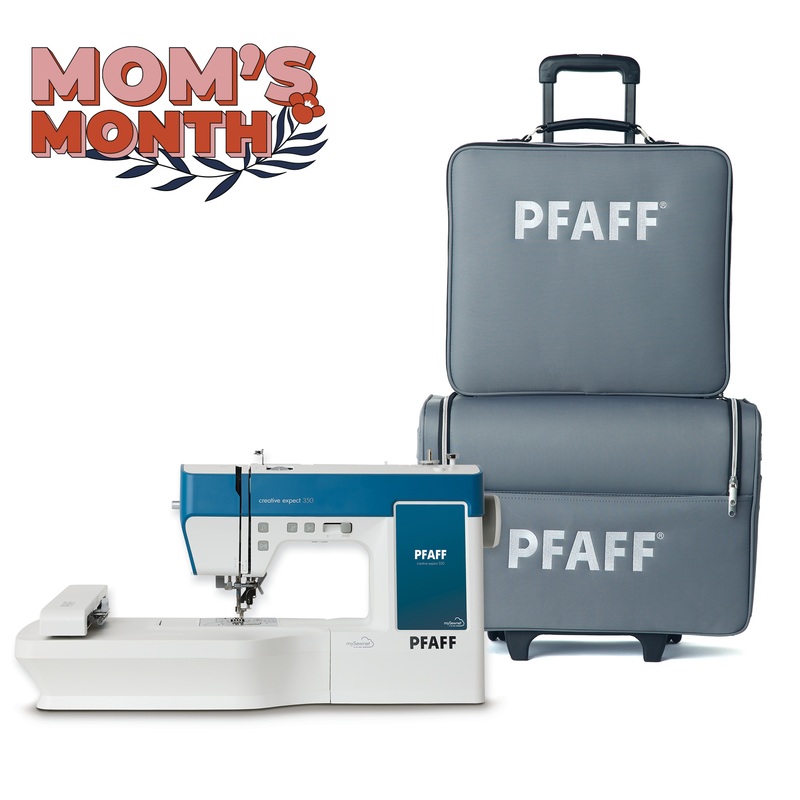
PFAFF creative expect 350 Sewing & Embroidery Machine & Luggage Set Bundle
SKU:
- YADV66271417
Categories:
The PFAFF creative expect 350 sewing and embroidery machine has modern features making it possible to create customized design layouts, make unique stitch sequences, personalize with fonts, and much more with ease on the large 7″ color touch screen. The Wifi capability offers design options that can allow you express your style in almost limitless ways.
CREATIVATE Connectivity
Enjoy seamless, wireless connectivitybetween your devices and your machine totransfer or save designs from anywhere, anytime.
- CREATIVATE Library
Thousands of embroideries are available in awide range of design categories. The best part isthat you can access the full library on-screen,so you dont have to leave your machine to findthe perfect design. - CREATIVATE App
Connect your phone to your machine, digitize photos on the go, get live machine updates and more. - CREATIVATE Cloud
Free 100 MB storage for saving files in one place,accessible directly from the machine screen.
180 Embroidery Designs
Designs from a wide range of categories or themes are built-in and easily accessible directly on screen. They can be sized, rotatedand even combined to create customized design layouts.
10 EmbroideryFonts
A selection of 10 embroidery fonts in three different sizes are built in. Font selections include uppercase and lowercase letters, plusnumbers and symbols to personalize any embroidery project with words, phrases or monograms.
170 x 100mmEmbroidery Area
The large hoop enables embroidering an area that is up to 170 x 100mm in size. Load a single design or combine designs in thelarge hoop for endless creative possibilities.
Corner Check
After hooping your fabric, you can easily confirm your design’s placement before you start embroidering. Use the corner check buttons to confirm the location of the four corners of the design, giving you opportunity to make any placement adjustments if needed.
Large 7″ ColorTouch Screen
Clearly view your machine information when displayed on the large 7″ color touch screen. See your machine settings and stitch information, preview designs before loading them, and make any desired edits directly on screen with ease.
- Move and Combine Designs On-Screen
Arrange designs without the need of additional software. - Rotate Designs On-Screen
Rotate designs in increments from 1, 10 and 90 degreeswithout additional software. - Mirror Image Designs On-Screen
Mirror image your design directly on screen, providingmore design options when combining embroideries. - Scale Designs On-Screen
Scale the size of designs to fit your project without additional software.
Stitch Sequencing with Memories
Program a sequence of stitches to create a line of decorative stitches or lettering to personalize your sewing. You can even save your favorites in the machine to come back to at any moment so you don’t need to remember or reprogram the sequence.
You may also like
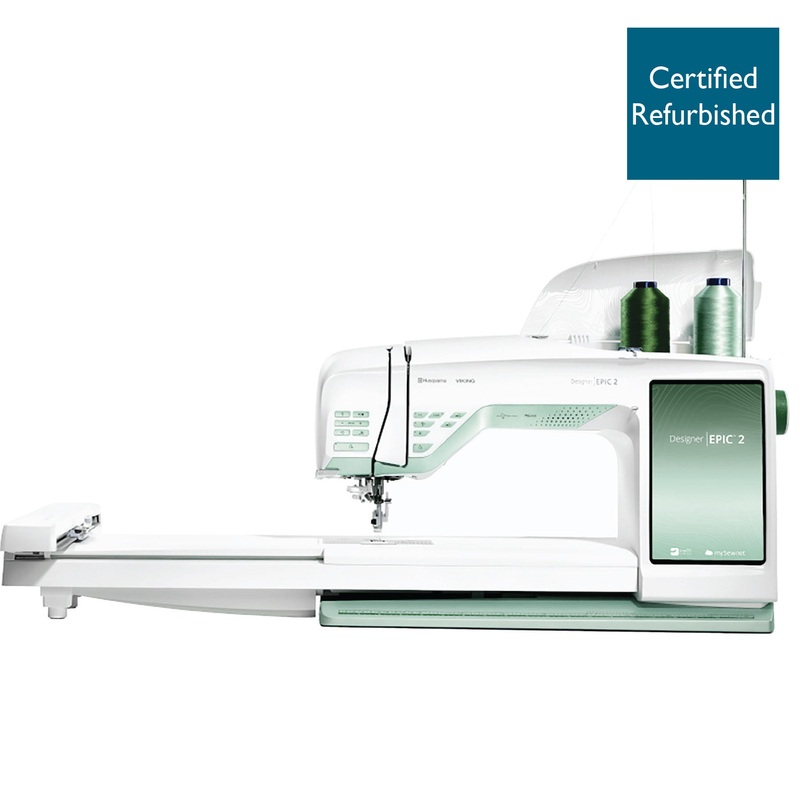
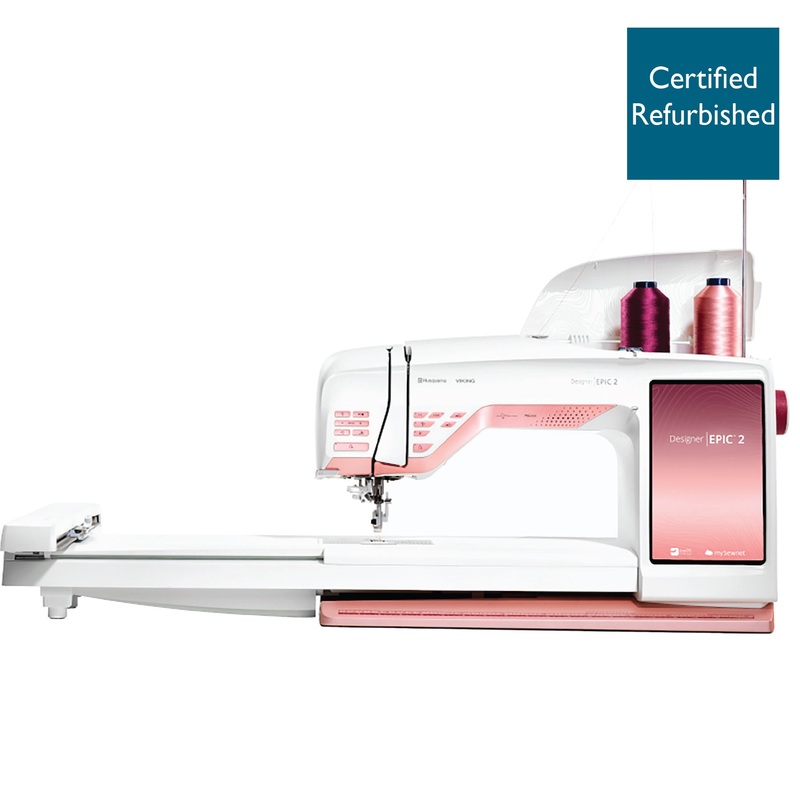
HUSQVARNA VIKING Refurbished DESIGNER EPIC 2 Sewing & Embroidery Machine in Burgundy Blush
Original price was: $17,999.00.$148.00Current price is: $148.00.
SINGER SE9180 Sewing & Embroidery Machine & Extension Table Bundle
Original price was: $1,493.98.$147.00Current price is: $147.00.